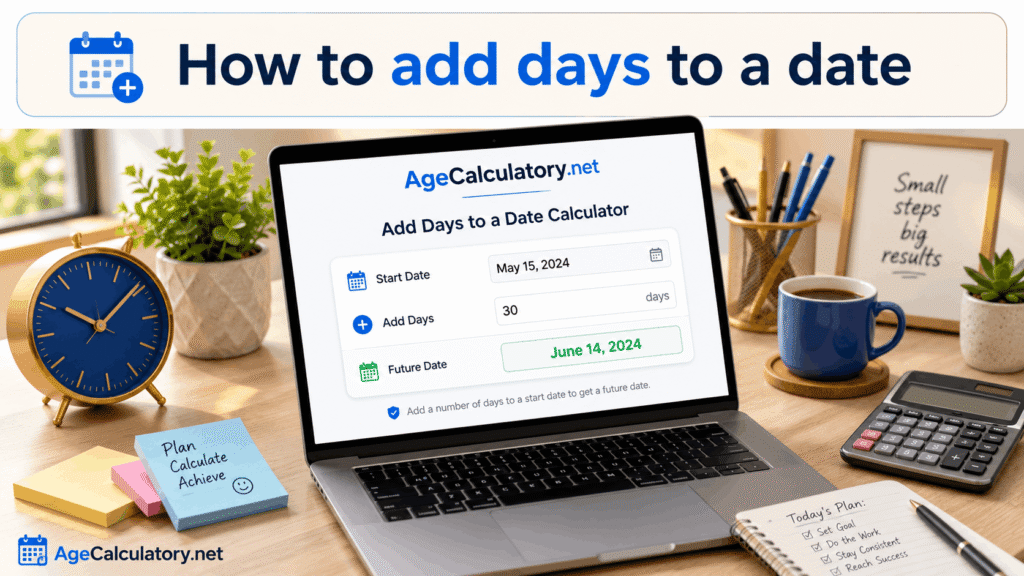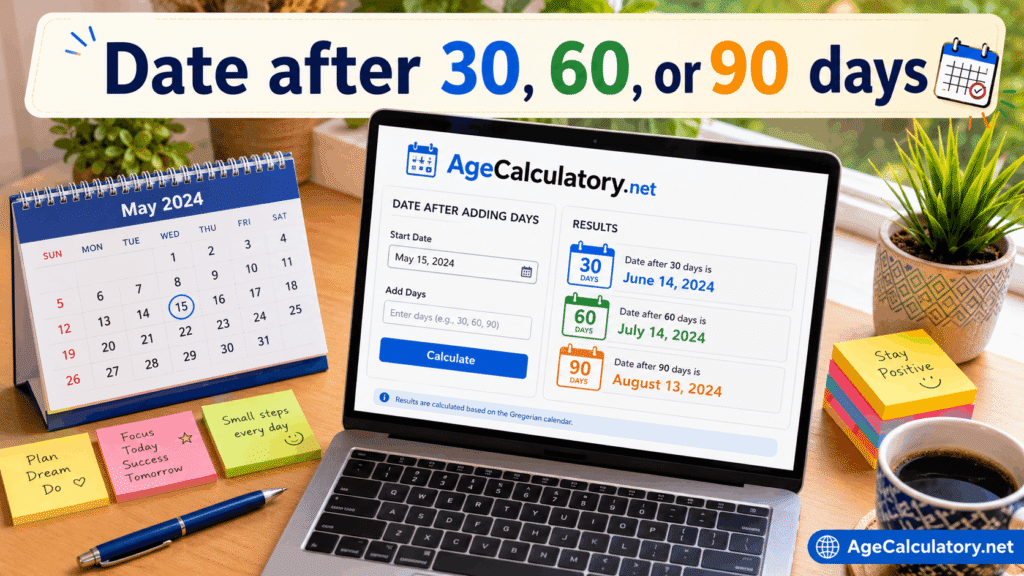
Finding the date after 30, 60, or 90 days is useful in many situations. People use it for deadlines, reminders, return periods, payment schedules, medical follow-ups, project planning, and official notices.
These numbers are common because they are easy planning periods. But counting them manually can still be confusing, especially when the date range crosses months or years.
What does date after 30, 60, or 90 days mean?
It means you start from a selected date and move forward by 30, 60, or 90 calendar days. The result is the future date.
For example, if you start from 1 January and add 30 days, you reach 31 January. If you add 60 or 90 days, the result will move further into the calendar.
Why these day counts are common
30 days is often used for monthly reminders, return windows, and short deadlines. 60 days is used for medium planning periods.
90 days is common for longer plans, official notices, trial periods, and preparation schedules. Many businesses and institutions use these time ranges because they are easy to understand.
Date after 30 days
A date after 30 days is useful for short-term planning. It can help you find payment dates, reminder dates, trial ending dates, or return deadline dates.
However, 30 days is not always the same as one calendar month. Some months have 31 days, and February has 28 or 29 days.
Date after 60 days
A date after 60 days is useful for two-month planning, but it is still based on days. It does not always equal exactly two calendar months.
This calculation is helpful for applications, follow-ups, notices, and medium-term project plans. A calculator gives a clearer result than manual counting.
Date after 90 days
A date after 90 days is useful for long preparation and official timelines. Many people use 90 days for exam preparation, health follow-ups, business plans, and documentation deadlines.
Because 90 days crosses multiple months, manual counting can be risky. A date calculator can handle the month lengths correctly.
Example calculation
Suppose the start date is 1 May 2026. If you add 30 days, the result is 31 May 2026.
If you add 60 days, the result moves into June. If you add 90 days, the result moves further and depends on the exact calendar month lengths.
Calendar days vs business days
Most date after 30, 60, or 90 days calculations use calendar days. Calendar days include weekends and holidays.
But some office, bank, and delivery deadlines may use business days. Business days usually skip weekends and holidays, so the final date may be later.
Use for deadlines
If your deadline says “within 30 days,” you can add 30 days to the starting date. This gives you a clear final date.
But if the deadline says “30 business days,” then weekends may not be counted. Always read the rule before calculating.
Use for reminders
You can use 30, 60, or 90 day calculations for reminders. For example, you may set a reminder after 30 days to renew a subscription or after 90 days to check a document.
This is useful because future dates are easy to forget. A date calculator helps you plan ahead with confidence.
Use for exam preparation
Students can use 30, 60, or 90 day plans for study schedules. A 90-day plan is useful for long preparation, while a 30-day plan is better for revision.
Once you know the final exam date, you can also subtract 30, 60, or 90 days to find the start date. Both adding and subtracting dates are useful for planning.
Common mistakes
One common mistake is thinking 90 days is always exactly 3 months. It is not always exact because months have different numbers of days.
Another mistake is ignoring whether the calculation should use calendar days or business days. This can change the final date.
Use AgeCalculatory.net
You can use AgeCalculatory.net date tools to find dates after 30, 60, or 90 days. Enter your start date and add the number of days you need.
This is helpful for deadlines, reminders, study plans, follow-ups, payment dates, return periods, and personal planning. It gives a clear result without manual counting.
Frequently asked questions
How do I find the date after 30 days?
Add 30 calendar days to your starting date. A date calculator can show the result instantly.
Is 30 days the same as one month?
No, not always. Some months have 30 days, some have 31 days, and February has 28 or 29 days.
Is 90 days the same as three months?
Not always. It depends on the months included in the date range.
Are weekends included in 30, 60, or 90 days?
If you are counting calendar days, weekends are included. If you are counting business days, weekends are usually excluded.
Can I calculate 60 days from today?
Yes, you can add 60 days to today’s date to find the future date.
Conclusion
Finding the date after 30, 60, or 90 days is useful for planning, deadlines, reminders, exams, payments, and official work. These date ranges are common, but manual counting can still lead to mistakes.
The most important point is to know whether you need calendar days or business days. Also remember that 30 days is not always equal to one month, and 90 days is not always exactly three months.
Use AgeCalculatory.net to calculate future dates clearly and save time.