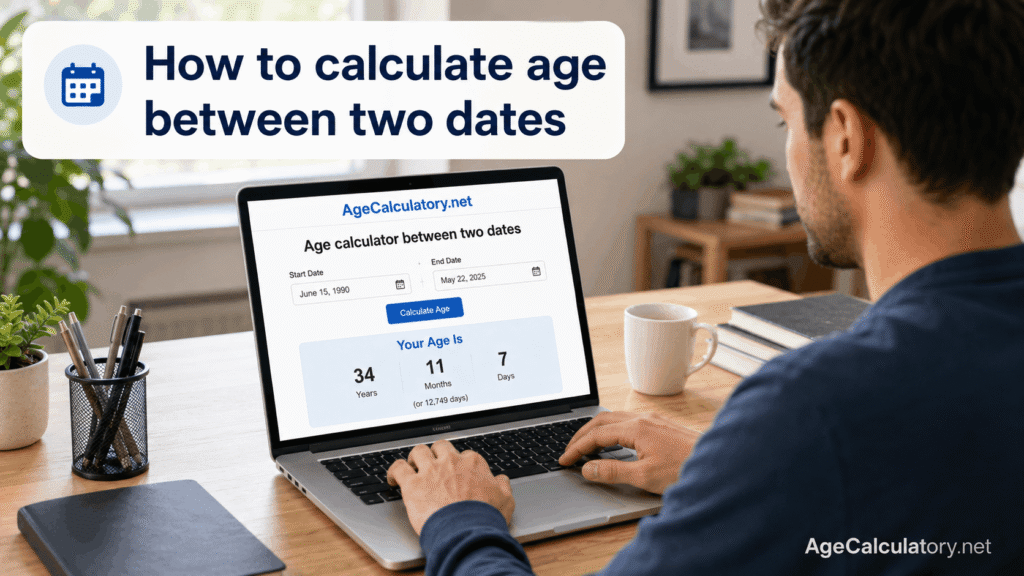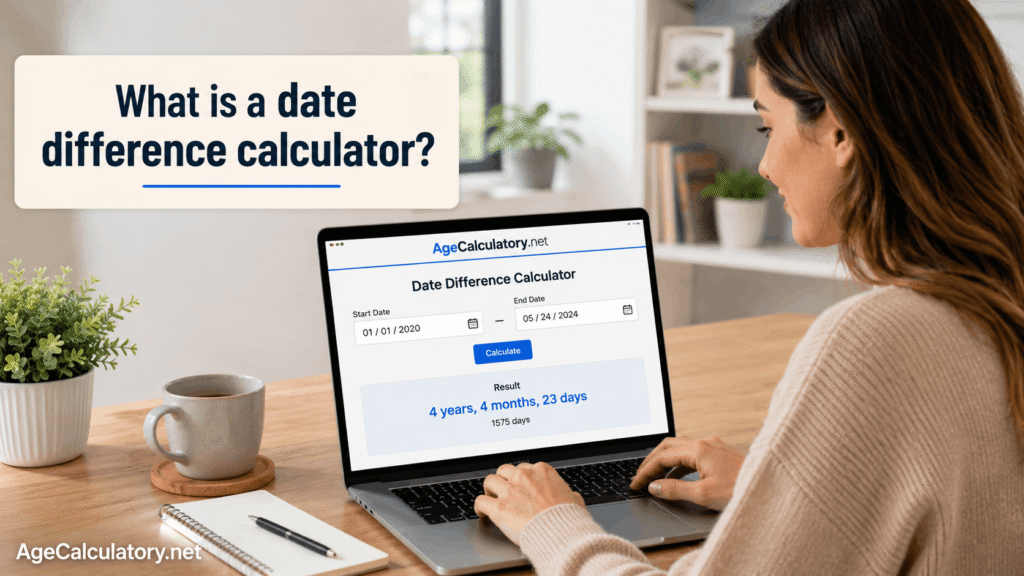
Calculating months between two dates means finding how many full months have passed from a start date to an end date.
This is helpful for baby age, school admission, work experience, rental periods, subscriptions, loan periods, project timelines, and personal records.
At first, month counting looks easy. But it can get confusing because every month does not have the same number of days. Use the Date Difference Calculator on AgeCalculatory.net
What does months between two dates mean?
Months between two dates means the number of completed calendar months between a start date and an end date.
For example, from 10 January to 10 February, there is 1 completed month. From 10 January to 10 March, there are 2 completed months.
But from 10 January to 5 February, 1 full month has not passed yet. The result is 0 completed months and some extra days.
Why month counting can be confusing
Month counting is different from day counting.
One week always has 7 days, but one month can have 28, 29, 30, or 31 days. That makes month calculation a little tricky.
For example, January has 31 days, April has 30 days, and February can have 28 or 29 days.
Dates you need
To calculate months between two dates, you need a start date and an end date.
The start date can be a date of birth, joining date, project start date, admission date, or any date you choose.
The end date can be today, a leaving date, deadline date, target date, or future date.
Example:
Start date: 15 May 2020
End date: 27 December 2024
Basic logic
The basic idea is to count completed months between the two dates.
First, count the years between the dates. Then convert years into months. After that, add the remaining completed months.
The rough logic is:
Total months = completed years × 12 + completed extra months
Then check the day number. If the end day is before the start day, the current month is not complete.
Simple example
Take this example.
Start date: 10 January 2024
End date: 10 July 2024
From 10 January to 10 July, there are 6 completed months.
So the result is:
6 months
This is clean because the day number is the same in both dates.
Example with years and months
Now take a longer example.
Start date: 15 May 2020
End date: 15 December 2024
From 15 May 2020 to 15 May 2024, there are 4 completed years.
4 years means:
4 × 12 = 48 months
From 15 May 2024 to 15 December 2024, there are 7 more months.
So the total is:
48 + 7 = 55 months
Example with extra days
Now change the end date a little.
Start date: 15 May 2020
End date: 27 December 2024
From 15 May 2020 to 15 December 2024, there are 55 completed months.
From 15 December to 27 December, there are 12 extra days.
So the result is:
55 months and 12 days
If you only need completed months, the answer is 55 months.
Example when the month is incomplete
This is where many people make mistakes.
Start date: 15 May 2020
End date: 10 December 2024
At first glance, May to December may look like 55 months. But the end day is 10, and the start day is 15.
The December month is not complete yet. So the completed month count is 54 months, with extra days after that.
This is why the day number matters.
How to calculate manually
To calculate manually, write both dates clearly.
First, calculate completed years. Multiply those years by 12. Then count the completed months after the last full year.
After that, check the day. If the end day is smaller than the start day, reduce 1 month from the count and calculate the remaining days separately.
This method works well if the dates are simple.
Manual calculation formula
You can use this logic:
Month difference = (End year – Start year) × 12 + (End month – Start month)
Then check the dates.
If the end day is before the start day, subtract 1 month.
Example:
Start date: 15 May 2020
End date: 10 December 2024
Year difference:
2024 – 2020 = 4 years
Convert years to months:
4 × 12 = 48 months
Month difference:
December – May = 7 months
Total before day check:
48 + 7 = 55 months
But the end day 10 is before the start day 15, so subtract 1 month.
Final completed months:
54 months
Months between dates for baby age
Month counting is very common for babies and toddlers.
Parents may say a baby is 3 months old, 6 months old, 9 months old, or 18 months old. This feels clearer than using years when the child is small.
For babies, the day of birth matters. A baby born on 20 January completes 1 month on 20 February, not on 1 February.
Months between dates for school admission
Schools may ask for a child’s age in years and months.
For example, a school may require a child to complete 3 years by 31 March. Some schools may also check completed months.
In that case, use the child’s date of birth as the start date and the school cut-off date as the end date.
Months between dates for work experience
Month calculation is also common in work experience.
If you joined a company on 10 June 2021 and left on 25 October 2024, you may want your experience in years, months, and days.
A date difference calculator can show completed years, completed months, and extra days clearly.
Months between dates for subscriptions
Subscriptions are often monthly.
If a service starts on 15 January and ends on 15 July, that is 6 completed months.
If it ends on 10 July, the 6th month is not complete. This can matter in billing, refunds, and plan duration.
Months between dates for rent or loan periods
Rent agreements and loan periods may also use months.
For example, a rental period may be 11 months. A loan may run for 24 months or 60 months.
When money or contracts are involved, check the exact start date and end date. Small date differences can change the final count.
Difference between total months and calendar months
Total completed months means full months passed between two exact dates.
Calendar months can mean named months like January, February, and March.
For example, from 20 January to 5 February touches 2 calendar months, but it does not complete 1 full month.
For calculators, completed months usually matter more.
Month counting and leap years
Leap years mostly affect day counting, but they can also appear in month-based date ranges.
For example, February has 29 days in a leap year. If your date range includes February, the extra day can affect the remaining day count.
The completed month count may stay the same, but the extra days can change.
Common mistakes while calculating months
One common mistake is counting the end month even when it is not complete.
For example, from 15 May to 10 June is not 1 completed month. It is 26 days if the month has not reached the 15th yet.
Another mistake is using rough 30-day months. That can give wrong results because real months have different lengths.
A third mistake is using the wrong date format. 05/10/2024 can mean 5 October or 10 May, depending on the format.
How to avoid wrong results
Use the full start date and end date.
Check the day, month, and year before calculating. If you are using a website, use the date picker instead of typing the date manually.
If the result is for school, work, rent, loan, or an official form, follow the rule given in that document.
Use AgeCalculatory.net
You can use AgeCalculatory.net to calculate months between two dates.
Enter the start date and end date. The tool can show the result in years, months, and days.
If total months are available, you can also see how many completed months are between the two dates.
Frequently asked questions
How do I calculate months between two dates?
Count the completed years first, convert them into months, then add the completed extra months. Check the day number at the end.
Does the day of the month matter?
Yes. If the end day is before the start day, the current month is not complete yet.
How many months are between 10 January and 10 July?
There are 6 completed months between 10 January and 10 July.
How many months are between 15 May 2020 and 27 December 2024?
There are 55 completed months and 12 extra days between those dates.
Can I calculate months for baby age?
Yes. Enter the baby’s date of birth and the target date to find the age in months.
Can I use this for school admission?
Yes. Use the child’s date of birth as the start date and the school cut-off date as the end date.
Is month calculation the same as day calculation?
No. Day calculation counts every day. Month calculation counts completed months based on calendar dates.
Conclusion
Calculating months between two dates helps with baby age, school admission, work experience, subscriptions, rent, loans, and records.
The key is to count only completed months and check the day number carefully.
Use the Date Difference Calculator on AgeCalculatory.net to calculate months between dates quickly and avoid manual counting mistakes.