An age calculator and a date difference calculator look similar because both work with dates.
You enter dates, click calculate, and get a time result. But the purpose is different.
An Age calculator usually starts with a date of birth. A Date difference calculator can start with any date.
What is an age calculator?
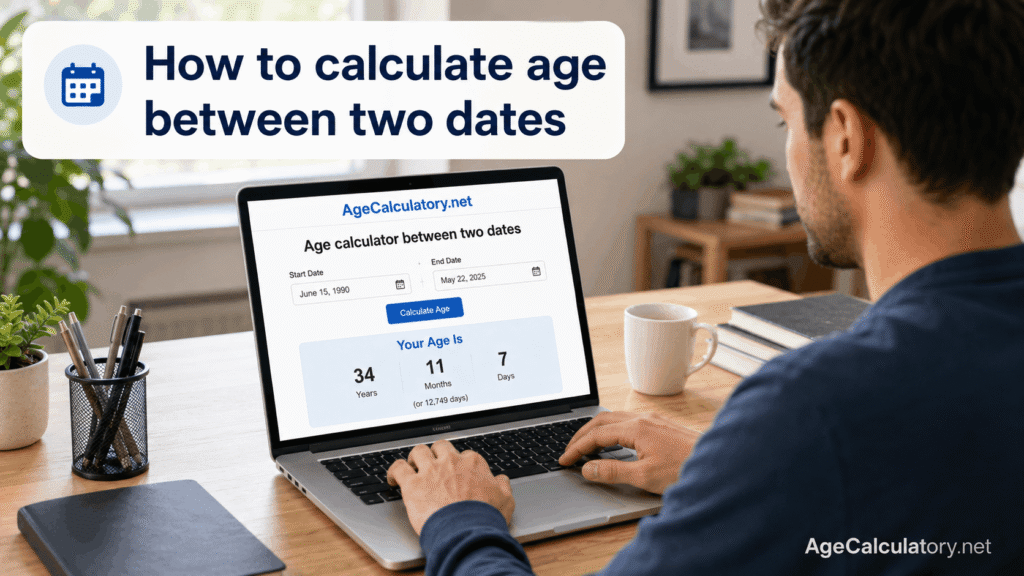
An age calculator helps you find age from a date of birth.
You enter your birth date and select a target date. The target date is usually today, but it can also be a school cut-off date, exam date, or job eligibility date.
The result is usually shown like this:
25 years, 7 months, 12 days
What is a date difference calculator?
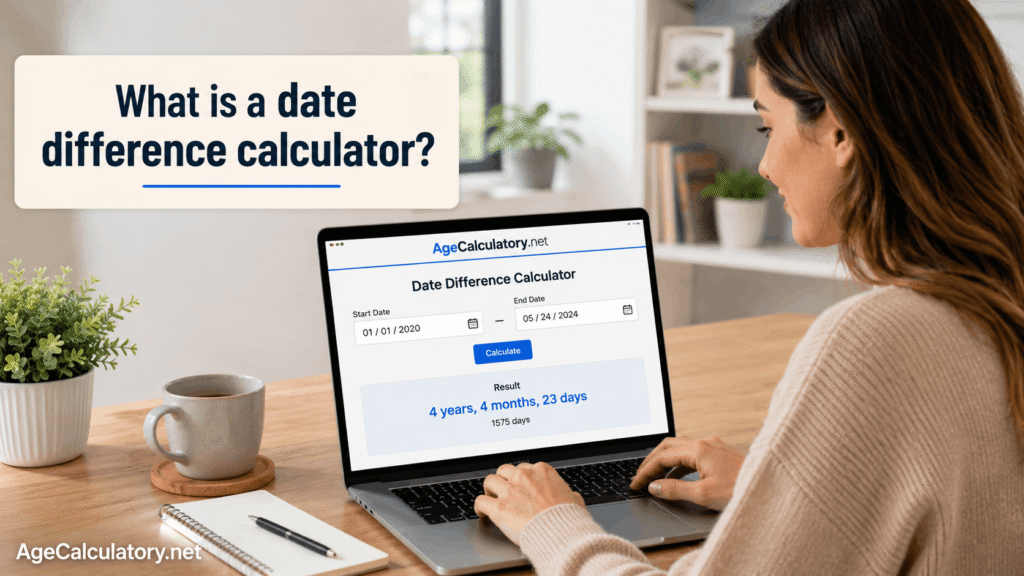
A date difference calculator helps you find the time gap between any two dates.
The start date can be a birth date, joining date, event date, travel date, project date, or deadline date. The end date can be any date after that.
The result may be shown in years, months, days, total days, total weeks, or total months.
Main purpose of an age calculator
The main purpose of an age calculator is to calculate a person’s age.
It is mostly used with date of birth. People use it for personal age, baby age, school admission, exam eligibility, job applications, and birthday planning.
For example:
Date of birth: 15 May 1999
Target date: 27 December 2024
Result:
25 years, 7 months, 12 days
Main purpose of a date difference calculator
The main purpose of a date difference calculator is to calculate the gap between two selected dates.
It can be used for many things, not just age. You can use it for work experience, travel duration, project timelines, event countdowns, rental periods, and service duration.
For example:
Start date: 1 January 2024
End date: 15 June 2024
Result:
5 months, 14 days
Simple way to understand the difference
An age calculator is mainly for people’s age.
A date difference calculator is mainly for the gap between dates.
If your first date is date of birth, you are probably using an age calculator. If your dates are event dates, work dates, travel dates, or project dates, you are probably using a date difference calculator.
Example of age calculator
Let’s say your date of birth is 10 January 2000 and today is 20 March 2026.
The age calculator checks how many full years have passed. Then it counts the remaining months and days.
The result is:
26 years, 2 months, 10 days
This is a typical age calculator result.
Example of date difference calculator
Now take this example.
Start date: 10 January 2024
End date: 20 March 2024
The date difference calculator checks the time gap between those two dates.
The result is:
2 months, 10 days
This can be used for a project, event, deadline, or any date-based record.
When to use an age calculator
Use an age calculator when you want to know someone’s age from date of birth.
It is the better choice for birthdays, school admission age, exam age limits, job eligibility, baby age, and personal age records.
For official rules, use the correct target date. If a form says “age as on 1 August 2026,” use that date instead of today.
When to use a date difference calculator
Use a date difference calculator when you want to know the time gap between two normal dates.
It works well for work experience, joining and leaving dates, travel dates, project start and end dates, subscription duration, rent duration, and deadlines.
For example, if you joined a company on 10 June 2020 and left on 25 October 2024, a date difference calculator can show your experience clearly.
Result format
An age calculator usually shows age in:
- Years
- Months
- Days
- Total months
- Total weeks
- Total days
- Birthday details
A date difference calculator usually shows:
- Years between two dates
- Months between two dates
- Days between two dates
- Total days
- Total weeks
- Total months
The format depends on the tool design.
Target date in age calculator
In an age calculator, the target date is the date up to which age is calculated.
For normal use, the target date is today. For school, exams, and jobs, the target date may be a cut-off date.
Example:
Date of birth: 15 May 2000
Target date: 1 January 2026
The calculator shows the person’s age on 1 January 2026.
Start date and end date in date difference calculator
In a date difference calculator, you enter a start date and an end date.
The start date can be any date. The end date is the date where the counting stops.
Example:
Start date: 5 March 2024
End date: 20 April 2024
The calculator shows the gap between these dates.
Age calculator for school admission
Schools often check age using a fixed cut-off date.
A child’s date of birth is entered as the start date. The school’s cut-off date is entered as the target date.
This helps parents check whether the child completed the required age before that date.
Date difference calculator for work experience
Work experience usually needs a date difference calculator.
You enter the joining date and the leaving date. The calculator shows the total experience in years, months, and days.
This is helpful for resumes, job forms, and experience records.
Age calculator for exams and jobs
Many exams and jobs have age limits.
The notification may say age should be calculated as on a fixed date. In that case, use the date of birth and the given cut-off date.
The age calculator gives the age. The official notification gives the final eligibility rule.
Date difference calculator for deadlines
A date difference calculator can help you count days left for a deadline.
For example, if today is 5 May and the deadline is 20 May, the calculator can show how many days are left.
This helps with exam forms, bill payments, project submissions, and travel planning.
How both calculators are connected
Both calculators compare dates.
An age calculator is a special type of date calculation where the first date is usually the date of birth.
A date difference calculator is broader because it can work with any two dates.
So the logic is related, but the use case changes.
Common mistake
A common mistake is using the wrong tool for the wrong purpose.
If you want to calculate a person’s age, use an age calculator. If you want to calculate time between two events, use a date difference calculator.
Another mistake is using today’s date when a form gives a specific cut-off date. That can change the result.
Date format mistake
Date format can create wrong results.
For example, 05/10/2024 can mean 5 October 2024 or 10 May 2024, depending on the format used by the website.
Use a date picker when possible. It is safer than typing the date manually.
Which calculator should you use?
Use an age calculator for date of birth based results.
Use a date difference calculator for general date gaps.
If you are checking age for school, exams, or jobs, choose the age calculator and enter the cut-off date carefully.
Use AgeCalculatory.net
You can use AgeCalculatory.net for age and date-related calculations.
You can calculate age from date of birth, check age on a target date, and find the difference between two dates.
This helps you avoid manual counting mistakes with months, leap years, and date gaps.
Frequently Asked Questions
What is the difference between an age calculator and a date difference calculator?
An age calculator finds age from date of birth. A date difference calculator finds the gap between any two dates.
Can a date difference calculator calculate age?
Yes. If you enter date of birth as the start date and today or another target date as the end date, it can calculate age-like results.
Which calculator is better for school admission age?
An age calculator is better because school admission depends on date of birth and a cut-off date.
Which calculator is better for work experience?
A date difference calculator is better because work experience is calculated between joining and leaving dates.
Do both calculators count leap years?
Yes. A good calculator checks the real calendar, including leap years and month lengths.
Can I use an age calculator for exam eligibility?
Yes. Enter your date of birth and the exam cut-off date given in the official notification.
Is the calculator result official proof?
No. The result is for checking and personal use. For official proof, use accepted documents and official rules.
Conclusion
An age calculator is best for finding age from date of birth.
A date difference calculator is best for finding the time gap between any two dates.
Use AgeCalculatory.net when you want to calculate age, date difference, total days, months, weeks, or years without manual date counting mistakes.