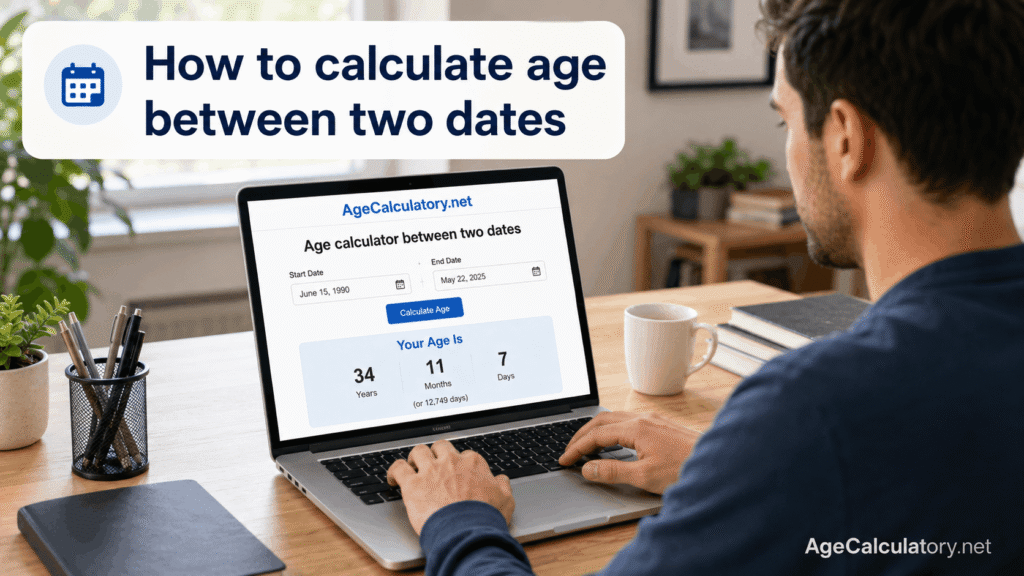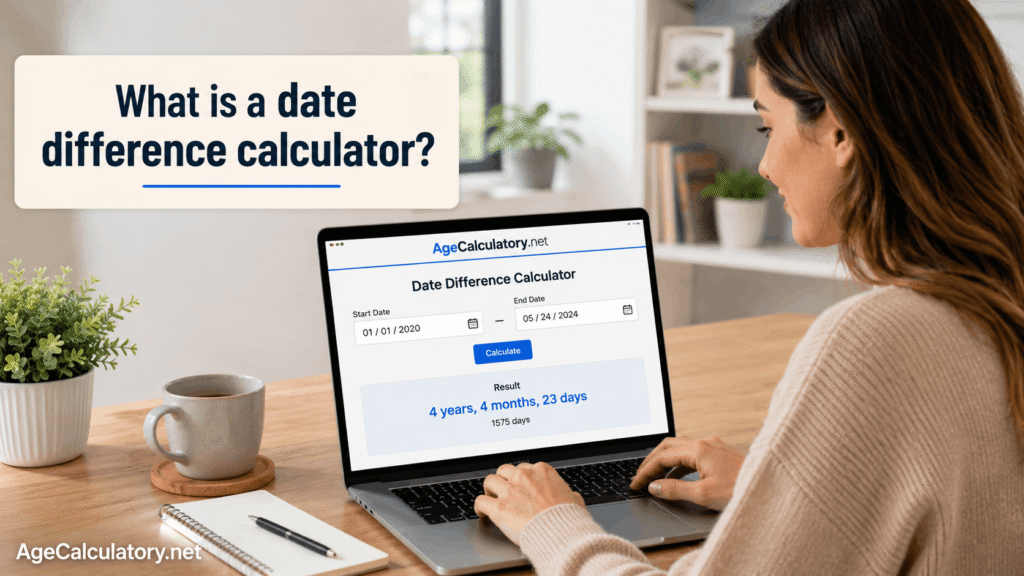
Counting days between 2 dates means finding how many days are there from one date to another date.
You may need this for deadlines, travel plans, birthdays, projects, exam dates, work experience, school forms, or personal records. It looks simple, but small date mistakes can change the answer.
A date difference calculator makes this easier because it counts the calendar for you. Use the Date Difference Calculator on AgeCalculatory.net
What does counting days between dates mean?
Counting days between dates means measuring the gap between a start date and an end date.
For example, if the start date is 1 January and the end date is 10 January, the gap is 9 days if you count from the start date to the end date.
Some cases may count both dates. That changes the answer. So you should know whether you want the normal date gap or inclusive counting.
What is normal day counting?
Normal day counting means you count the gap between 2 dates.
Example:
Start date: 1 January 2024
End date: 10 January 2024
From 1 January to 10 January, the difference is 9 days.
This is the common method used by most date calculators.
What is inclusive day counting?
Inclusive day counting means you count both the start date and the end date.
Using the same example:
Start date: 1 January 2024
End date: 10 January 2024
If you count both 1 January and 10 January, the answer is 10 days.
This method is sometimes used for hotel stays, leave days, event days, and certain official forms.
Why the counting method matters
The counting method matters because the answer can change by 1 day.
For normal counting, 1 January to 10 January is 9 days. For inclusive counting, it is 10 days.
That 1 day can matter in leave applications, deadlines, work records, and official forms. So check the rule before using the result.
How to count days between two dates
To count days between 2 dates, you need a start date and an end date.
The calculator checks all dates between those 2 points. It counts month lengths, leap years, and calendar changes.
The basic logic is:
Total days = End date – Start date
This gives the normal day gap between the 2 dates.
Simple example
Take this example.
Start date: 5 May 2024
End date: 20 May 2024
From 5 May to 20 May, there are 15 days.
So the day difference is:
15 days
If you count both the start and end date, the answer becomes 16 days.
Example across months
Now take an example across 2 months.
Start date: 25 January 2024
End date: 5 February 2024
From 25 January to 31 January, there are 6 days. From 1 February to 5 February, there are 5 more days.
So the total gap is:
11 days
This type of counting can be confusing by hand because months do not have the same number of days.
Example across years
Now take a bigger example.
Start date: 15 December 2024
End date: 10 January 2025
From 15 December to 31 December, there are 16 days. From 1 January to 10 January, there are 10 days.
So the total date gap is:
26 days
Cross-year date counting needs care because the year changes in the middle.
Example with leap year
Leap years can change the day count.
Start date: 28 February 2024
End date: 1 March 2024
The year 2024 is a leap year, so February has 29 days.
From 28 February to 1 March, the gap is 2 days because 29 February comes between them.
In a normal year, the same date gap would be 1 day.
Why leap years matter
A normal year has 365 days. A leap year has 366 days.
That extra day comes on 29 February. If your date range includes 29 February, the total days count can change.
This matters for birthdays, age calculation, work duration, project timelines, and long date ranges.
Why month length matters
Months have different lengths.
January has 31 days. April has 30 days. February has 28 days in a normal year and 29 days in a leap year.
Because of this, counting days between dates is not always as simple as multiplying months by 30. The real calendar must be counted.
Counting days for deadlines
Date counting is common for deadlines.
If today is 10 June and your deadline is 25 June, you have 15 days left using normal day counting.
For exam forms, bill payments, project submissions, and booking dates, this can help you plan better.
Always check whether the deadline day is included or not. Some rules count the last date as part of the allowed period.
Counting days for travel
Travel dates often need day counting.
You may want to know how many days are between your departure date and return date. You may also need to count hotel nights.
For hotels, nights and days are different. A trip from 1 July to 5 July may be 4 nights, even though it touches 5 calendar dates.
Counting days for work experience
Work experience is usually counted from joining date to leaving date.
For example:
Joining date: 10 March 2020
Leaving date: 25 September 2024
A date calculator can show the result in years, months, and days. It can also show total days.
This helps when filling job applications or experience details.
Counting days for age calculation
Age calculation also uses date counting.
Your date of birth is the start date. The target date can be today or any selected date.
The calculator counts the time between both dates and then converts it into years, months, and days.
If you want total days old, it counts every day from your birth date to the target date.
Manual method to count days
You can count days manually by splitting the date range into smaller parts.
First, count the remaining days in the starting month. Then count full months in the middle. Then count the days in the ending month.
This method works for short date ranges. For long date ranges, it becomes slow and easy to mess up.
Rough method
Some people use rough counting.
They treat every month as 30 days and every year as 365 days.
This gives only an estimate. It can be wrong because months have different lengths and leap years add extra days.
Use rough counting only when an exact answer is not needed.
Better method
The better method is to use the full start date and full end date.
Enter the day, month, and year correctly. Then let the calculator count the date gap.
This avoids mistakes with February, leap years, long months, and year changes.
Common mistakes while counting days
One common mistake is mixing date formats.
For example, 05/10/2024 can mean 5 October 2024 or 10 May 2024, depending on the format. This can completely change the result.
Another mistake is forgetting whether the start date and end date should be included. That can change the answer by 1 day.
How to avoid wrong day counts
Use a date picker when possible. It helps you avoid typing mistakes.
Check both dates before calculating. Make sure the start date comes before the end date.
If you are using the result for an official form, read the rule carefully. Some forms may use their own counting method.
Use AgeCalculatory.net
You can use AgeCalculatory.net to count days between 2 dates.
Enter the start date and end date. The tool can show the total days between those dates.
If available, it may also show years, months, weeks, and remaining days.
Frequently Asked Questions
How do I count days between two dates?
Enter the start date and end date in a date calculator. The tool will count the number of days between them.
Is the start date included when counting days?
Usually, normal date difference does not count the start date as a full day. Inclusive counting counts both the start date and end date.
How many days are between 1 January and 10 January?
Using normal date difference, there are 9 days between 1 January and 10 January. Using inclusive counting, there are 10 days.
Does leap year affect day counting?
Yes. Leap years add 29 February, so they can increase the total day count by 1 if the date range includes that day.
Can I count days between dates manually?
Yes. You can count days manually by splitting the range into months and days. For long ranges, a calculator is easier.
Can I count days for deadlines?
Yes. Use the start date and deadline date. Check whether the deadline day should be included.
Can I use this for work experience?
Yes. Enter the joining date and leaving date to count total days or convert the result into years, months, and days.
Conclusion
Counting days between 2 dates helps with deadlines, travel, work experience, age calculation, birthdays, and records.
The main thing is to enter the correct start date and end date. Also check whether you need normal counting or inclusive counting.
Use the Date Difference Calculator on AgeCalculatory.net to count days between dates without manual calendar mistakes.