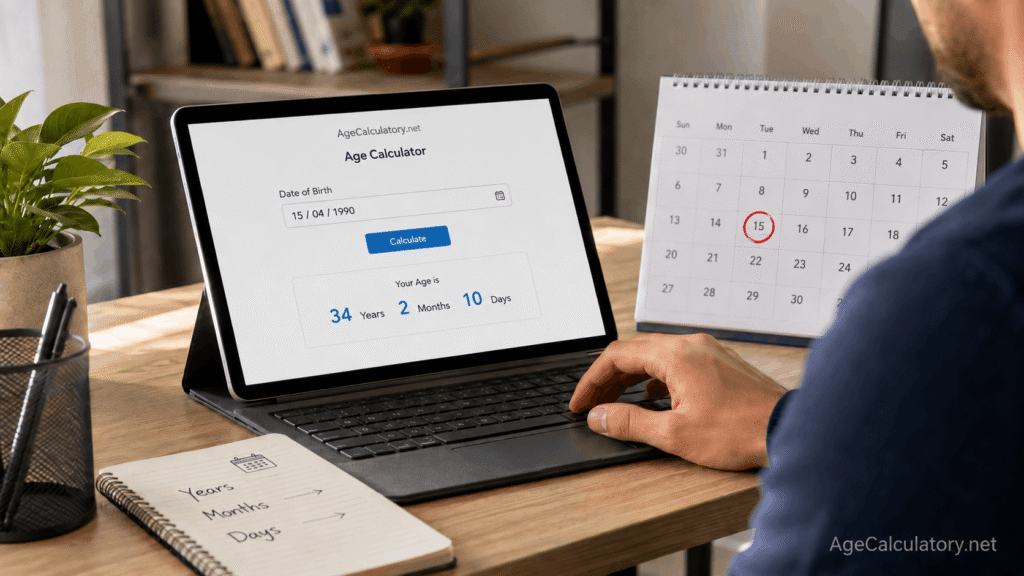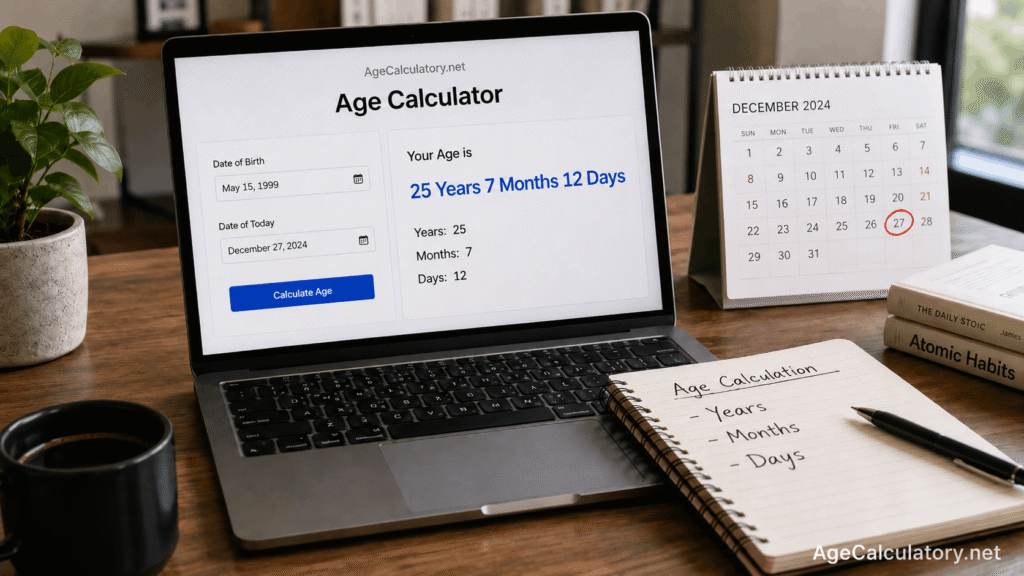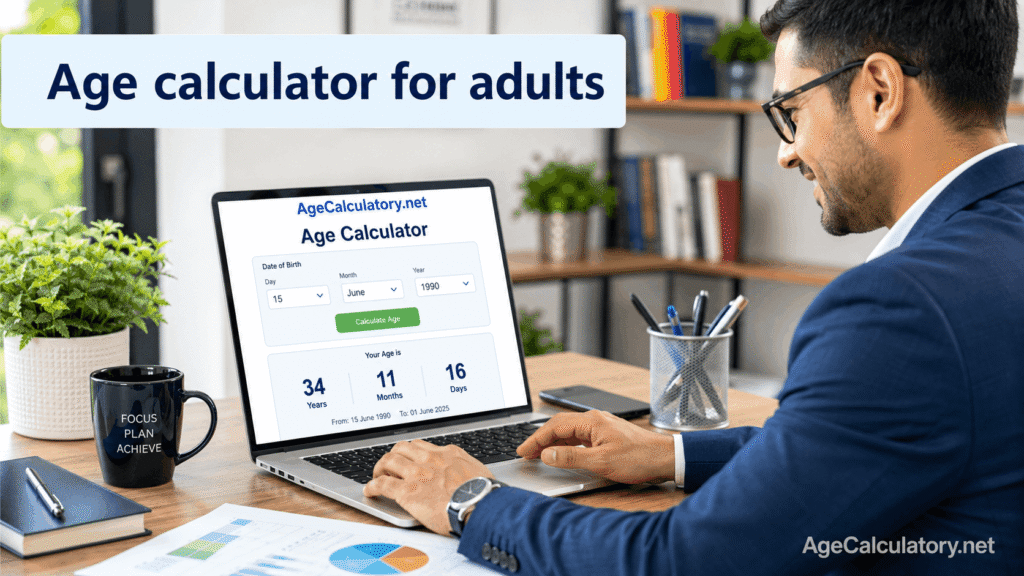
An age calculator for adults helps you find your exact age from your date of birth. Most adults know their age in years. But sometimes, you may need a more exact result in years, months, and days.
This can be useful for forms, job applications, exam eligibility, insurance, travel, records, and personal milestones.
What is an age calculator for adults?
An age calculator for adults is a tool that calculates exact age using date of birth. You enter your birth date and select a target date. The tool compares both dates and shows your age.
The result may look like:
30 years, 6 months, 18 days
Why adults need exact age
Adults may need exact age for many reasons. Job applications, government forms, insurance forms, exam applications, and official records may ask for age.
Sometimes completed years are enough. But in many cases, the exact date matters.
What details you need
You need your full date of birth. You also need the target date. For current age, use today’s date. For official forms, use the cut-off date mentioned in the form.
Example:
Date of birth: 15 May 1995
Target date: 1 August 2026
The calculator shows your age on that selected date.
Simple example
Take this example.
Date of birth: 15 May 1995
Target date: 20 July 2026
From 15 May 1995 to 15 May 2026, the person completed 31 years.
From 15 May 2026 to 15 July 2026, there are 2 completed months.
From 15 July 2026 to 20 July 2026, there are 5 days.
So the exact age is:
31 years, 2 months, 5 days
Why year subtraction is not enough
Many people subtract only the years.
For example:
2026 – 1995 = 31
This may be correct if the birthday has passed. But if the birthday has not arrived yet, the completed age is still 30.
That is why full date checking is important.
Age in years, months, and days
This is the most useful format for adults. It gives a clear result without being too complicated.
For example:
28 years, 10 months, 16 days
This is useful when exact age is needed for forms or eligibility.
Age in total days
Some adults also like to know their age in total days. This can be fun for personal milestones.
For example, you may want to know when you complete 10,000 days or 15,000 days of life.
Age in total weeks
Age in weeks is less common for adults, but it can still be interesting. The calculator counts total days and converts them into weeks.
This can be used for fun facts or personal tracking.
Age in total months
Age in months can be useful in some records or calculations. For example, if someone is 30 years old, that is around 360 months, plus any extra months after the last birthday.
A calculator can show this more accurately.
Adult age for job eligibility
Job applications often have minimum and maximum age limits. For example, a job may allow applicants from 18 to 30 years.
Use your date of birth and the job cut-off date to check whether your age fits the rule.
Adult age for exam eligibility
Many exams have age limits. The notification may say age should be calculated as on a fixed date. Do not use today’s date if the exam gives a cut-off date. Use the official date mentioned in the notification.
Adult age for insurance
Insurance forms may ask for date of birth and age. Age can affect policy rules, premiums, and eligibility. Always enter the date of birth exactly as shown in official documents.
Adult age for travel and documents
Travel forms, passports, visas, and other documents may ask for date of birth. Age may affect rules for certain services or applications. Use the correct date of birth and check the result carefully.
Adult age for personal milestones
Adults may also calculate age for personal milestones.
Examples include turning 30, 40, 50, or 60.
You may also calculate days lived, next birthday, or age on a future date.
Common mistakes
One common mistake is using only the birth year. Another mistake is using today’s date when a form gives a different cut-off date.
Some people also enter the wrong date format, especially when the day and month are both numbers.
How to avoid wrong results
Use your full date of birth. Check the target date before calculating. For official use, follow the cut-off date mentioned in the form or notification. Use a date picker when possible to avoid format mistakes.
Use AgeCalculatory.net
You can use AgeCalculatory.net as an age calculator for adults.
Enter your date of birth and target date. The tool can show your age in years, months, and days.
It can help with current age, job eligibility, exam eligibility, and future age checking.
Frequently asked questions
How do adults calculate exact age?
Use date of birth and target date. The calculator shows age in years, months, and days.
Why is exact age useful for adults?
It is useful for forms, jobs, exams, insurance, travel, and records.
Can I calculate my age on a future date?
Yes. Enter a future target date to check your age on that date.
Can I calculate age for job eligibility?
Yes. Use your date of birth and the job cut-off date.
Is an online age calculator official proof?
No. It is only for checking. Official proof depends on documents.
Conclusion
An age calculator for adults helps you know your exact age in years, months, and days. This is useful not only for personal curiosity, but also for job applications, exam eligibility, government forms, insurance records, travel documents, and age-based rules.
Many people calculate age by subtracting only the birth year, but that can be wrong if the birthday has not arrived yet in the target year.
For accurate results, always use your full date of birth and the correct target date. If a form or notification gives a cut-off date, use that date instead of today’s date.
Use AgeCalculatory.net to calculate adult age clearly and quickly, especially when exact age matters for forms, eligibility, or official checking.